
The AI Coding Assistant Experiment: 30 Days with GitHub Copilot
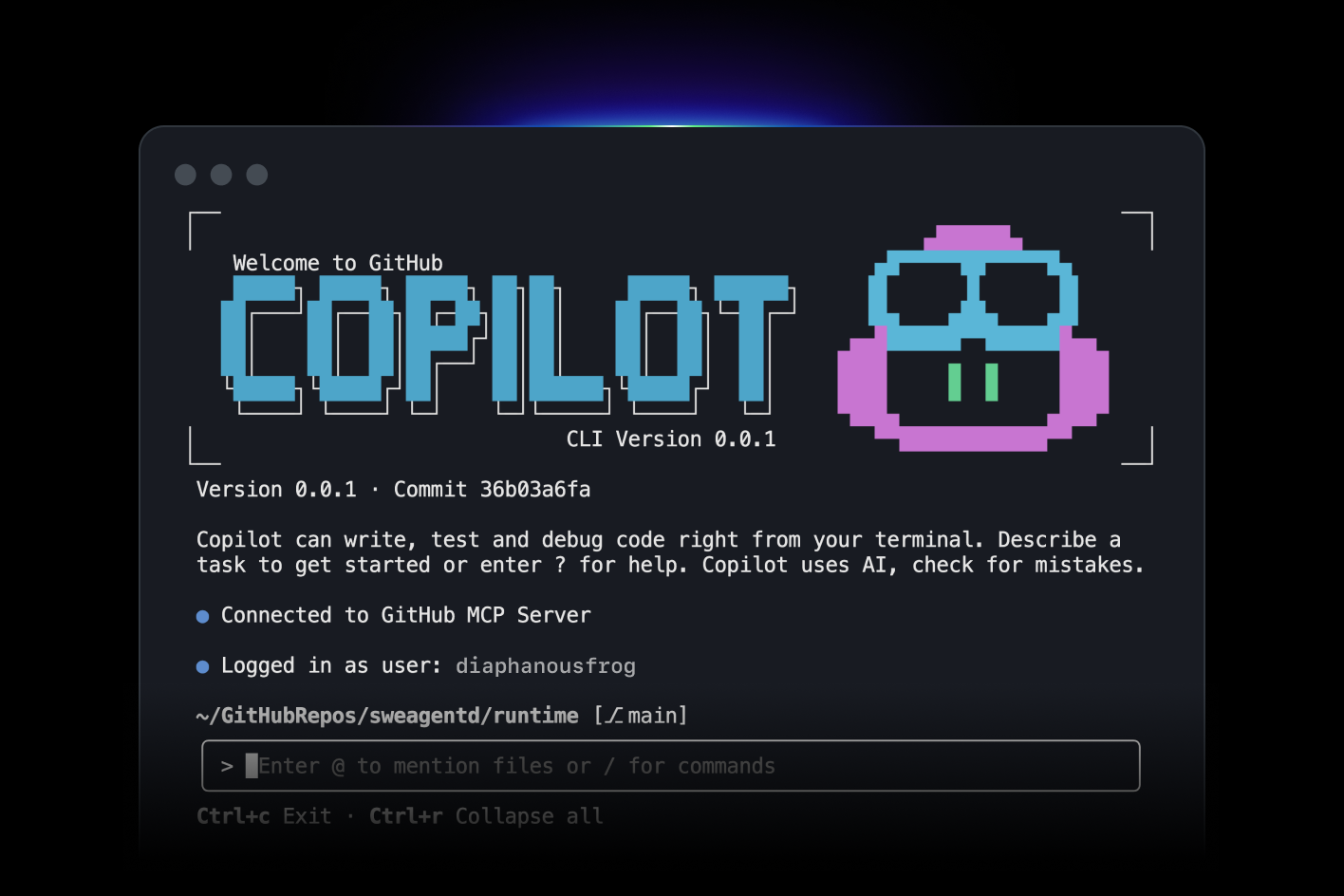
The AI Coding Assistant Experiment: 30 Days with GitHub Copilot
I spent 30 days using GitHub Copilot for everything. Every line of code. Every test. Every comment.
Here's what I learned.
The Setup
I wanted to see if AI coding assistants live up to the hype. So I committed to using Copilot exclusively for a month.
Rules:
- Use Copilot for all code
- Accept suggestions when they make sense
- Track time saved (or wasted)
- Note what works and what doesn't
Week 1: The Honeymoon Phase
Copilot felt like magic. I'd start typing a function name and it would complete the entire function.
Example: I typed function calculateTax( and Copilot suggested:
function calculateTax(amount, rate) {
  return amount * rate;
}
Perfect. I hit Tab.
Boilerplate code? Copilot crushed it. API routes, database queries, test setup. All generated instantly.
Time saved: 30%.
Week 2: The Cracks Appear
Copilot started suggesting wrong code. Not subtly wrong. Obviously wrong.
Example: I was writing a payment processing function. Copilot suggested:
if (payment.amount > 0) {
  processPayment(payment);
}
Seems fine. But it didn't handle failed payments. Or refunds. Or edge cases.
I caught it. But what if I hadn't?
Lesson: Copilot writes plausible code. Not correct code.
Week 3: The Pattern
I noticed a pattern. Copilot is great at:
- Boilerplate
- Common patterns
- Simple functions
- Tests
Copilot struggles with:
- Business logic
- Edge cases
- Security
- Performance
Week 4: The Workflow
I developed a workflow:
- Let Copilot generate: Get the basic structure
- Review carefully: Check for bugs and edge cases
- Refine: Fix issues and optimize
- Test: Verify it actually works
Copilot became a starting point, not a solution.
What Worked
1. Boilerplate Code
Copilot excels at repetitive code. CRUD operations, API routes, database models.
I'd write one endpoint, and Copilot would generate the rest.
2. Tests
Copilot writes decent tests. I'd write one test, and it would generate similar tests for other cases.
test('should create user', async () => {
  const user = await createUser({ email: 'test@example.com' });
  expect(user.email).toBe('test@example.com');
});

// Copilot suggested:
test('should update user', async () => {
  const user = await updateUser(userId, { name: 'New Name' });
  expect(user.name).toBe('New Name');
});
Not perfect, but a good start.
3. Documentation
Copilot writes comments and documentation. I'd start a comment, and it would complete it.
/**
 * Calculates the total price including tax
 * @param {number} price - The base price
 * @param {number} taxRate - The tax rate as a decimal
 * @returns {number} The total price with tax
 */
Useful for maintaining consistent documentation.
4. Learning New Libraries
When using a new library, Copilot suggested correct usage patterns.
I was learning Prisma. Copilot suggested proper query syntax.
What Didn't Work
1. Complex Logic
Copilot can't handle complex business logic. It suggests simple solutions that don't account for edge cases.
I had to write this myself.
2. Security
Copilot suggested insecure code multiple times:
- SQL injection vulnerabilities
- Missing authentication checks
- Exposed secrets
I caught them. But it's concerning.
3. Performance
Copilot doesn't optimize. It suggests the first solution that works, not the best solution.
I had to refactor for performance.
4. Context
Copilot doesn't understand the full context of your application. It suggests code based on the current file.
This leads to inconsistencies with the rest of the codebase.
The Numbers
Time Saved
- Boilerplate: 50% faster
- Tests: 40% faster
- Documentation: 60% faster
- Complex logic: 0% (sometimes slower)
Overall: 25% faster
Code Quality
- Bugs introduced: 3 (all caught in review)
- Security issues: 2 (caught before production)
- Performance issues: 1 (fixed during optimization)
Lessons Learned
1. Copilot Is a Tool, Not a Replacement
It augments your coding, doesn't replace it. You still need to understand what you're building.
2. Always Review
Never blindly accept suggestions. Review every line.
3. Use for Boilerplate
Copilot shines at repetitive code. Use it there.
4. Don't Trust for Security
Copilot doesn't understand security. Review security-critical code extra carefully.
5. It Gets Better
Copilot learns from your code. The more you use it, the better its suggestions.
Would I Keep Using It?
Yes. But with realistic expectations.
Copilot saves time on boilerplate. It helps with tests. It's useful for learning new libraries.
But it's not magic. It's a tool. Use it wisely.
Tips for Using Copilot
- Write clear comments: Copilot uses comments as context
- Review everything: Don't trust blindly
- Use for boilerplate: That's where it shines
- Learn the shortcuts: Tab to accept, Alt+] for next suggestion
- Disable when needed: Sometimes it's distracting
The Bottom Line
GitHub Copilot is useful. It saves time on repetitive tasks. But it's not a replacement for understanding code.
Use it as a tool. Review its suggestions. And remember: you're still the developer.
AI assists. You decide.